Turn a photo into custom emoji
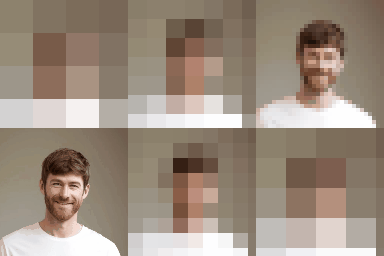
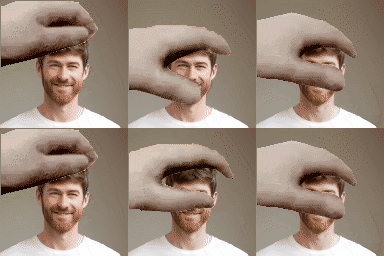
Drop in a photo, crop it square, and get 8 stills and 16 animated emoji at 128×128 — the size Slack, Discord and Twitch ask for.
01 Upload
02 Frame
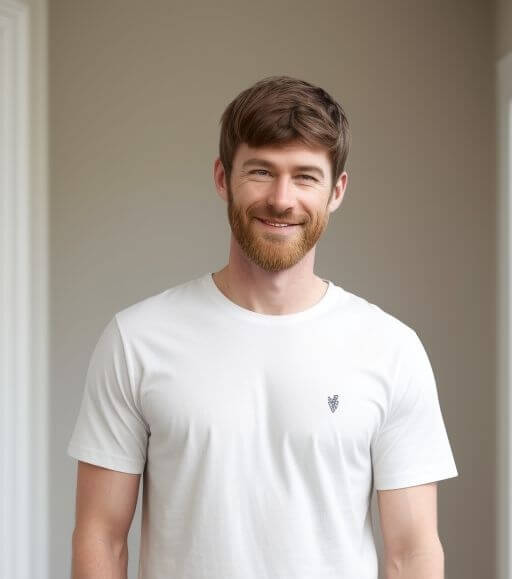
Drag the square to choose the crop. Emoji are always 1:1.
03 Tune
eyes found
Background removal runs on our server and can take a few seconds. If it is slow or fails, remove the background elsewhere and upload the result.
Cropping, filters and GIF encoding all happen in your browser.
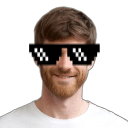
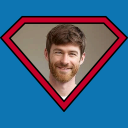
Stills
8 × PNG • 128×128
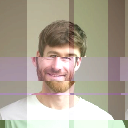


Animated
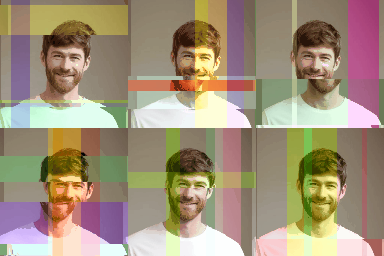
16 × GIF • 128×128












How it works
- 1.0
Drop a photo
Any PNG, JPG, SVG, WEBP or GIF. It never leaves your browser.
- 2.0
Crop it square
Drag the selection over the part you want. Rotate if the photo is off-level.
- 3.0
Push the colour
Red, green, blue, brightness and contrast. The preview is what gets used.
- 4.0
Drop the background
Optional. Cuts the subject out so the emoji sits on any chat theme.
- 5.0
Make all 24
One click renders every effect from the same edited image.
- 6.0
Download and paste
Grab the PNG or GIF, upload it to Slack, Discord or Twitch under its shortcode.
What you get
- Output
- PNG for stills, GIF for animation. 128×128, transparent where the effect allows it.
- Effects
- 8 still and 16 animated, each with its own :shortcode:.
- Tuning
- Every animated effect opens a settings panel — speed, amount, direction.
- Runs in
- Your browser. Only background removal touches the server.
- Account
- None. Nothing to sign up for, nothing stored.
- Price
- Free.
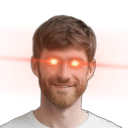
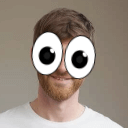
- Needs a face
- Only laser-eyes and wow-eyes — they look for visible eyes and say so when they cannot find any.